> ## Documentation Index
> Fetch the complete documentation index at: https://docs.stateset.com/llms.txt
> Use this file to discover all available pages before exploring further.
# Shopify Product Embeddings
> Sync a Shopify catalog into StateSet embeddings so an agent can answer product questions accurately.
# Shopify Product Embeddings
An agent answering "does this come in a wide fit?" needs your catalog, not a general model's guess.
This guide walks the Shopify catalog, turns each variant into an embedding, and stores it in StateSet
so [ResponseCX](/stateset-response/stateset-responsecx) can retrieve it at answer time.
Embedding **variants**, not products, is the important choice. Price, SKU, inventory, and options
live on the variant — a product-level embedding cannot answer "is the red one in stock in a 10?"
## Before you start
* The StateSet Shopify app installed, which supplies the Shopify access token
* A StateSet API key
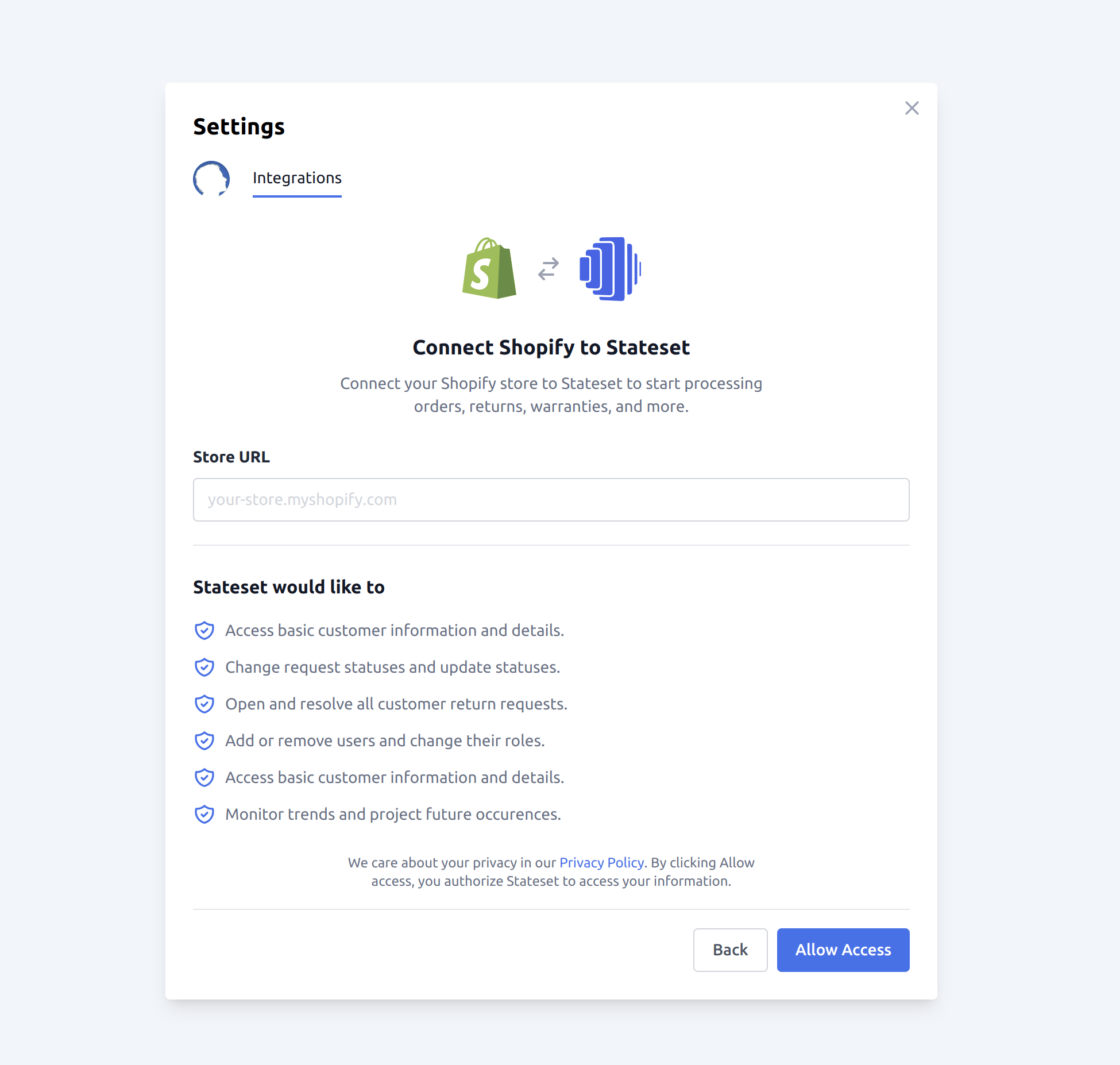
* Your Shopify shop domain, e.g. `your-store.myshopify.com`
 ## How it works
Shopify paginates with an opaque cursor in the `Link` header. Follow it until it stops.
One embedding per variant, carrying the parent product's context.
`POST /v1/embeddings` with the text and its metadata.
## Pin the API version
```js theme={null}
// Shopify ships a new API version quarterly and supports each for 12 months.
// Pin it explicitly — an unpinned call silently follows the oldest supported
// version and will break when that one is retired.
const SHOPIFY_API_VERSION = '2026-07';
```
Do not leave this on a version you set years ago. A pinned-but-stale version is the most common cause
of a sync that worked for a year and then stopped.
## Page through the catalog
Shopify removed page-number pagination. Paging is cursor-based, and the cursor arrives in the `Link`
response header — there is no total count and no page number.
```js theme={null}
async function* shopifyProducts({ shop, accessToken, limit = 250 }) {
let url =
`https://${shop}/admin/api/${SHOPIFY_API_VERSION}/products.json?limit=${limit}`;
while (url) {
const res = await fetch(url, {
headers: {
'Content-Type': 'application/json',
'X-Shopify-Access-Token': accessToken,
},
});
if (res.status === 429) {
// Shopify throttles per app per store. Respect Retry-After rather than
// guessing a backoff.
const wait = Number(res.headers.get('Retry-After') ?? 2) * 1000;
await new Promise((r) => setTimeout(r, wait));
continue;
}
if (!res.ok) throw new Error(`Shopify ${res.status}: ${await res.text()}`);
const { products } = await res.json();
yield* products;
// The next cursor is a full URL inside the Link header. Parse it; do not
// rebuild it by hand — the cursor is opaque and position-dependent.
const link = res.headers.get('link') ?? '';
const next = link
.split(',')
.find((l) => l.includes('rel="next"'))
?.match(/<([^>]+)>/)?.[1];
url = next ?? null;
}
}
```
`limit=250` is Shopify's maximum. Requesting more is rejected rather than clamped.
## Flatten a product into variants
```js theme={null}
function variantDocuments(product) {
// A product may have no image at all — product.image is null, not an empty
// object. Reading .src directly is the most common crash in this loop.
const imageSrc = product.image?.src ?? null;
return (product.variants ?? []).map((variant) => ({
// Text is what gets embedded, so it must read like something a customer
// would ask about. Field names are not useful signal; values are.
knowledge: [
product.title,
variant.title !== 'Default Title' ? variant.title : null,
product.product_type,
product.vendor,
variant.sku ? `SKU ${variant.sku}` : null,
]
.filter(Boolean)
.join(' · '),
metadata: {
product_id: product.id,
variant_id: variant.id,
handle: product.handle,
sku: variant.sku ?? null,
price: variant.price ?? null,
compare_at_price: variant.compare_at_price ?? null,
inventory_quantity: variant.inventory_quantity ?? null,
option_1: variant.option1 ?? null,
option_2: variant.option2 ?? null,
option_3: variant.option3 ?? null,
weight: variant.weight ?? null,
vendor: product.vendor ?? null,
product_type: product.product_type ?? null,
image: imageSrc,
},
}));
}
```
Keep `price` and `inventory_quantity` in metadata rather than in the embedded text. Numbers embed
poorly — a vector search will not reliably distinguish $19 from $190 — but metadata is returned
verbatim alongside the match, which is what the agent should quote.
## Store the embeddings
```js theme={null}
async function storeEmbeddings(documents, { apiKey, userId }) {
for (const doc of documents) {
const res = await fetch('https://api.stateset.com/v1/embeddings', {
method: 'POST',
headers: {
'Content-Type': 'application/json',
Authorization: `Bearer ${apiKey}`,
},
body: JSON.stringify({
knowledge: doc.knowledge,
metadata: JSON.stringify(doc.metadata),
user_id: userId,
}),
});
if (!res.ok) {
throw new Error(`StateSet ${res.status}: ${await res.text()}`);
}
}
}
```
StateSet generates the vector itself — you send text, not a vector, so there is no separate
embedding-model call or vector database to run.
## Run the sync
```js theme={null}
const userId = process.env.STATESET_USER_ID;
for await (const product of shopifyProducts({
shop: process.env.SHOPIFY_SHOP,
accessToken: process.env.SHOPIFY_ACCESS_TOKEN,
})) {
await storeEmbeddings(variantDocuments(product), {
apiKey: process.env.STATESET_API_KEY,
userId,
});
}
```
Run this as a **backfill**, then keep it current with Shopify's `products/update` webhook rather than
re-walking the catalog on a schedule. A full re-walk of a large catalog will spend most of its budget
re-embedding products that did not change.
## Verify it worked
```bash theme={null}
curl "https://api.stateset.com/v1/embeddings?limit=5" \
-H "Authorization: Bearer $STATESET_API_KEY"
```
Then ask an agent a question only your catalog can answer — a specific SKU, or an option combination.
If it answers from the catalog, retrieval is wired up; if it hedges, the embeddings are not being
retrieved and the problem is in the agent's configuration rather than in this sync.
## Related
* [Embeddings API](/response-api-reference/embeddings/create)
* [Knowledge base quickstart](/guides/knowledgebase-quickstart)
* [RAG quickstart](/guides/rag-quickstart)
* [Set up ResponseCX](/stateset-response/stateset-responsecx)
## How it works
Shopify paginates with an opaque cursor in the `Link` header. Follow it until it stops.
One embedding per variant, carrying the parent product's context.
`POST /v1/embeddings` with the text and its metadata.
## Pin the API version
```js theme={null}
// Shopify ships a new API version quarterly and supports each for 12 months.
// Pin it explicitly — an unpinned call silently follows the oldest supported
// version and will break when that one is retired.
const SHOPIFY_API_VERSION = '2026-07';
```
Do not leave this on a version you set years ago. A pinned-but-stale version is the most common cause
of a sync that worked for a year and then stopped.
## Page through the catalog
Shopify removed page-number pagination. Paging is cursor-based, and the cursor arrives in the `Link`
response header — there is no total count and no page number.
```js theme={null}
async function* shopifyProducts({ shop, accessToken, limit = 250 }) {
let url =
`https://${shop}/admin/api/${SHOPIFY_API_VERSION}/products.json?limit=${limit}`;
while (url) {
const res = await fetch(url, {
headers: {
'Content-Type': 'application/json',
'X-Shopify-Access-Token': accessToken,
},
});
if (res.status === 429) {
// Shopify throttles per app per store. Respect Retry-After rather than
// guessing a backoff.
const wait = Number(res.headers.get('Retry-After') ?? 2) * 1000;
await new Promise((r) => setTimeout(r, wait));
continue;
}
if (!res.ok) throw new Error(`Shopify ${res.status}: ${await res.text()}`);
const { products } = await res.json();
yield* products;
// The next cursor is a full URL inside the Link header. Parse it; do not
// rebuild it by hand — the cursor is opaque and position-dependent.
const link = res.headers.get('link') ?? '';
const next = link
.split(',')
.find((l) => l.includes('rel="next"'))
?.match(/<([^>]+)>/)?.[1];
url = next ?? null;
}
}
```
`limit=250` is Shopify's maximum. Requesting more is rejected rather than clamped.
## Flatten a product into variants
```js theme={null}
function variantDocuments(product) {
// A product may have no image at all — product.image is null, not an empty
// object. Reading .src directly is the most common crash in this loop.
const imageSrc = product.image?.src ?? null;
return (product.variants ?? []).map((variant) => ({
// Text is what gets embedded, so it must read like something a customer
// would ask about. Field names are not useful signal; values are.
knowledge: [
product.title,
variant.title !== 'Default Title' ? variant.title : null,
product.product_type,
product.vendor,
variant.sku ? `SKU ${variant.sku}` : null,
]
.filter(Boolean)
.join(' · '),
metadata: {
product_id: product.id,
variant_id: variant.id,
handle: product.handle,
sku: variant.sku ?? null,
price: variant.price ?? null,
compare_at_price: variant.compare_at_price ?? null,
inventory_quantity: variant.inventory_quantity ?? null,
option_1: variant.option1 ?? null,
option_2: variant.option2 ?? null,
option_3: variant.option3 ?? null,
weight: variant.weight ?? null,
vendor: product.vendor ?? null,
product_type: product.product_type ?? null,
image: imageSrc,
},
}));
}
```
Keep `price` and `inventory_quantity` in metadata rather than in the embedded text. Numbers embed
poorly — a vector search will not reliably distinguish $19 from $190 — but metadata is returned
verbatim alongside the match, which is what the agent should quote.
## Store the embeddings
```js theme={null}
async function storeEmbeddings(documents, { apiKey, userId }) {
for (const doc of documents) {
const res = await fetch('https://api.stateset.com/v1/embeddings', {
method: 'POST',
headers: {
'Content-Type': 'application/json',
Authorization: `Bearer ${apiKey}`,
},
body: JSON.stringify({
knowledge: doc.knowledge,
metadata: JSON.stringify(doc.metadata),
user_id: userId,
}),
});
if (!res.ok) {
throw new Error(`StateSet ${res.status}: ${await res.text()}`);
}
}
}
```
StateSet generates the vector itself — you send text, not a vector, so there is no separate
embedding-model call or vector database to run.
## Run the sync
```js theme={null}
const userId = process.env.STATESET_USER_ID;
for await (const product of shopifyProducts({
shop: process.env.SHOPIFY_SHOP,
accessToken: process.env.SHOPIFY_ACCESS_TOKEN,
})) {
await storeEmbeddings(variantDocuments(product), {
apiKey: process.env.STATESET_API_KEY,
userId,
});
}
```
Run this as a **backfill**, then keep it current with Shopify's `products/update` webhook rather than
re-walking the catalog on a schedule. A full re-walk of a large catalog will spend most of its budget
re-embedding products that did not change.
## Verify it worked
```bash theme={null}
curl "https://api.stateset.com/v1/embeddings?limit=5" \
-H "Authorization: Bearer $STATESET_API_KEY"
```
Then ask an agent a question only your catalog can answer — a specific SKU, or an option combination.
If it answers from the catalog, retrieval is wired up; if it hedges, the embeddings are not being
retrieved and the problem is in the agent's configuration rather than in this sync.
## Related
* [Embeddings API](/response-api-reference/embeddings/create)
* [Knowledge base quickstart](/guides/knowledgebase-quickstart)
* [RAG quickstart](/guides/rag-quickstart)
* [Set up ResponseCX](/stateset-response/stateset-responsecx)