
Shopify Product Embeddings

An agent answering “does this come in a wide fit?” needs your catalog, not a general model’s guess. This guide walks the Shopify catalog, turns each variant into an embedding, and stores it in StateSet so ResponseCX can retrieve it at answer time.
Embedding variants, not products, is the important choice. Price, SKU, inventory, and options live on the variant — a product-level embedding cannot answer “is the red one in stock in a 10?”

Before you start

  • The StateSet Shopify app installed, which supplies the Shopify access token
  • A StateSet API key
  • Your Shopify shop domain, e.g. your-store.myshopify.com
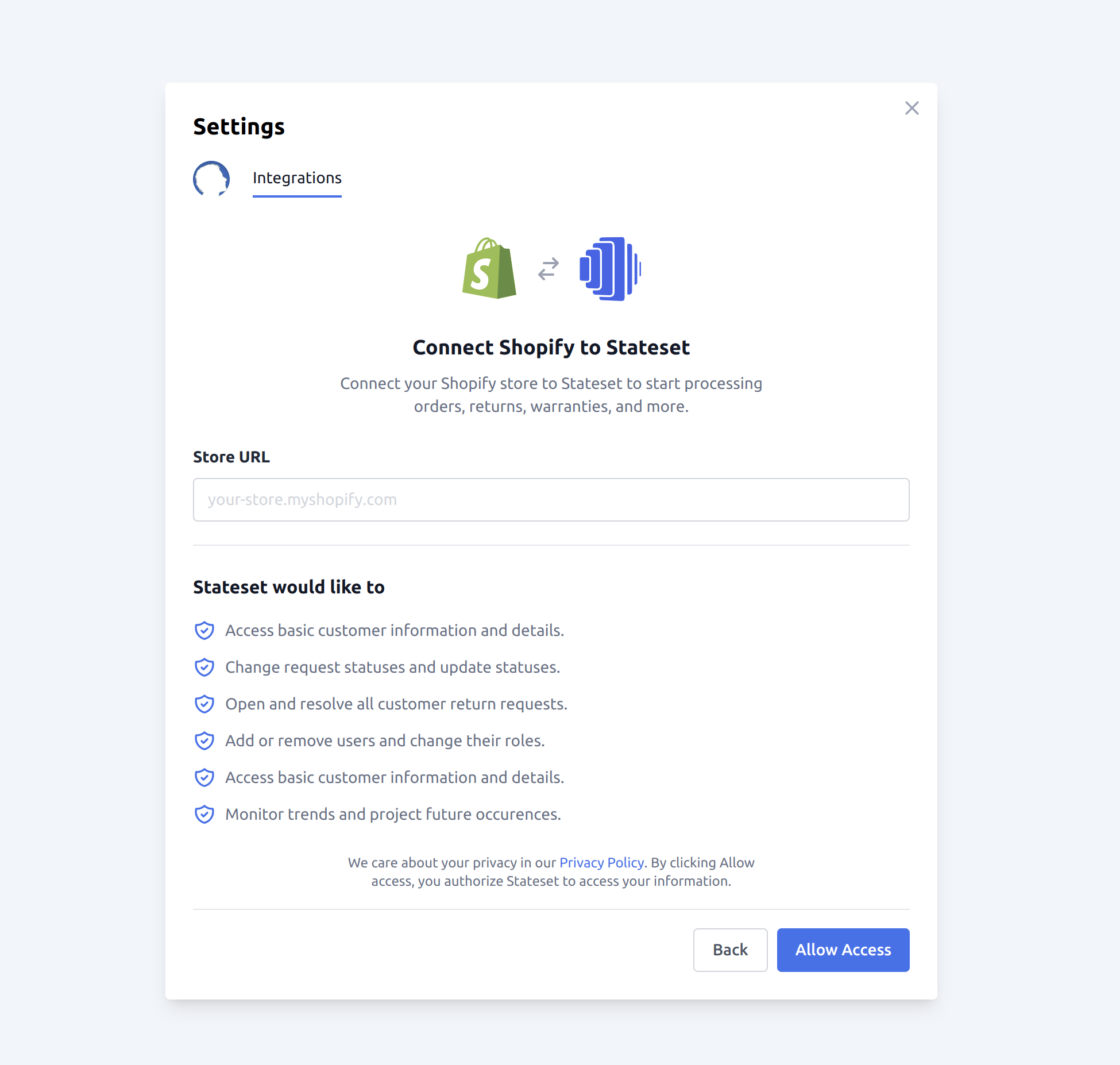
StateSet ResponseCX Shopify App

How it works

1

Page through the catalog

Shopify paginates with an opaque cursor in the Link header. Follow it until it stops.
2

Flatten products into variants

One embedding per variant, carrying the parent product’s context.
3

Store in StateSet

POST /v1/embeddings with the text and its metadata.

Pin the API version

Do not leave this on a version you set years ago. A pinned-but-stale version is the most common cause of a sync that worked for a year and then stopped.

Page through the catalog

Shopify removed page-number pagination. Paging is cursor-based, and the cursor arrives in the Link response header — there is no total count and no page number.
limit=250 is Shopify’s maximum. Requesting more is rejected rather than clamped.

Flatten a product into variants

Keep price and inventory_quantity in metadata rather than in the embedded text. Numbers embed poorly — a vector search will not reliably distinguish 19from19 from 190 — but metadata is returned verbatim alongside the match, which is what the agent should quote.

Store the embeddings

StateSet generates the vector itself — you send text, not a vector, so there is no separate embedding-model call or vector database to run.

Run the sync

Run this as a backfill, then keep it current with Shopify’s products/update webhook rather than re-walking the catalog on a schedule. A full re-walk of a large catalog will spend most of its budget re-embedding products that did not change.

Verify it worked

Then ask an agent a question only your catalog can answer — a specific SKU, or an option combination. If it answers from the catalog, retrieval is wired up; if it hedges, the embeddings are not being retrieved and the problem is in the agent’s configuration rather than in this sync.